

A good computer is all about balance. No matter at what budget it has been built, the components should be in sync with each other rather than restricting each other. And when we talk about balance in a computer, CPU and GPU come first before anything else.
Every frame that the GPU renders exists because the CPU generated it first. Game logic, animation, physics, AI, and the draw call submission through DirectX, Vulkan, or OpenGL happen before a single pixel gets shaded.
In modern games, the CPU handles much of the work that determines what needs to be rendered and what is going on in the game. For example, a CPU may handle player movement, physics decisions, keyboard/mouse movement, world simulation, NPCs, driver/API work, and a lot more.
The GPU then takes the work prepared by the CPU and performs massive graphics operations that are parallel in nature. Things like vertex processing, rasterization, shading, texture sampling, and lighting calculations all are the work of a GPU.
But, when this collaboration can’t keep pace with what the GPU is capable of, you get a measurable set of symptoms. These symptoms can indirectly be called a “CPU bottleneck” or “GPU bottlenecked by the CPU.” Let’s talk about the 5 main symptoms.
1. GPU usage sits below ~95%
A good GPU-bound system or a gaming PC running at its best runs at or near 100% utilization because there’s always another draw call queued and ready. The CPU and GPU work as a producer and consumer. The CPU builds command buffers with draw calls and state changes. GPU executes them.
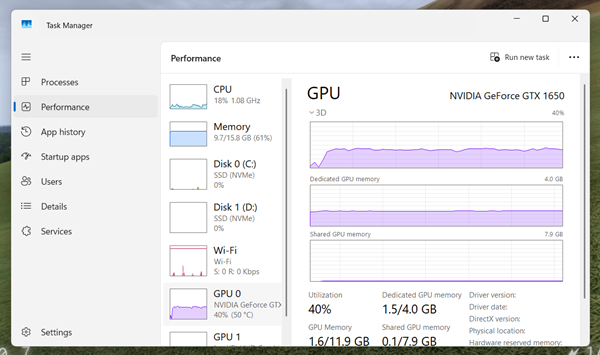
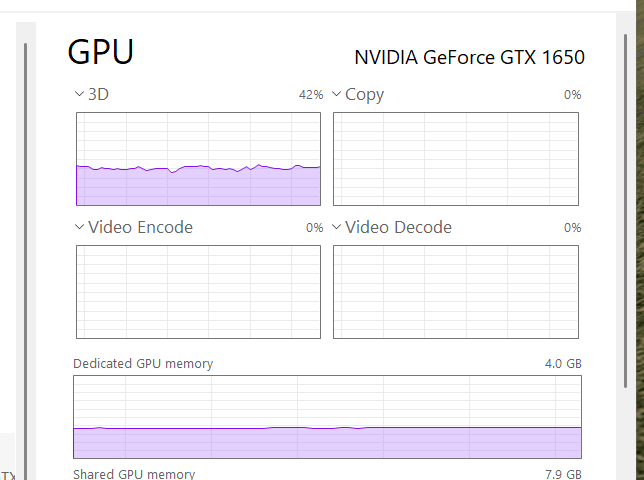
When the CPU can’t fill that queue fast enough, the GPU finishes its current batch and has nothing left to execute. That idle time is what you will see as sub-100% utilization in Task Manager, MSI Afterburner, or Xbox Game Bar. The GPU isn’t resting. It is just being starved by the CPU.
Simulation-heavy titles show this constantly. You might have seen when you load up the City Skylines or Microsoft Flight Simulator on a flagship GPU and it just stays at 60 to 80% usage instead of 100%. What is happening here is that the CPU simply can’t feed the GPU fast enough to use the rest of its capacity.
2. One or two CPU cores sit at 100%, while others rest.
Newer engines (UE5, some AAA titles) spread work across 4-6 cores decently well. But this issue will arise in older engines or CPU-bound titles (RTS, sims, and older DX11 games).
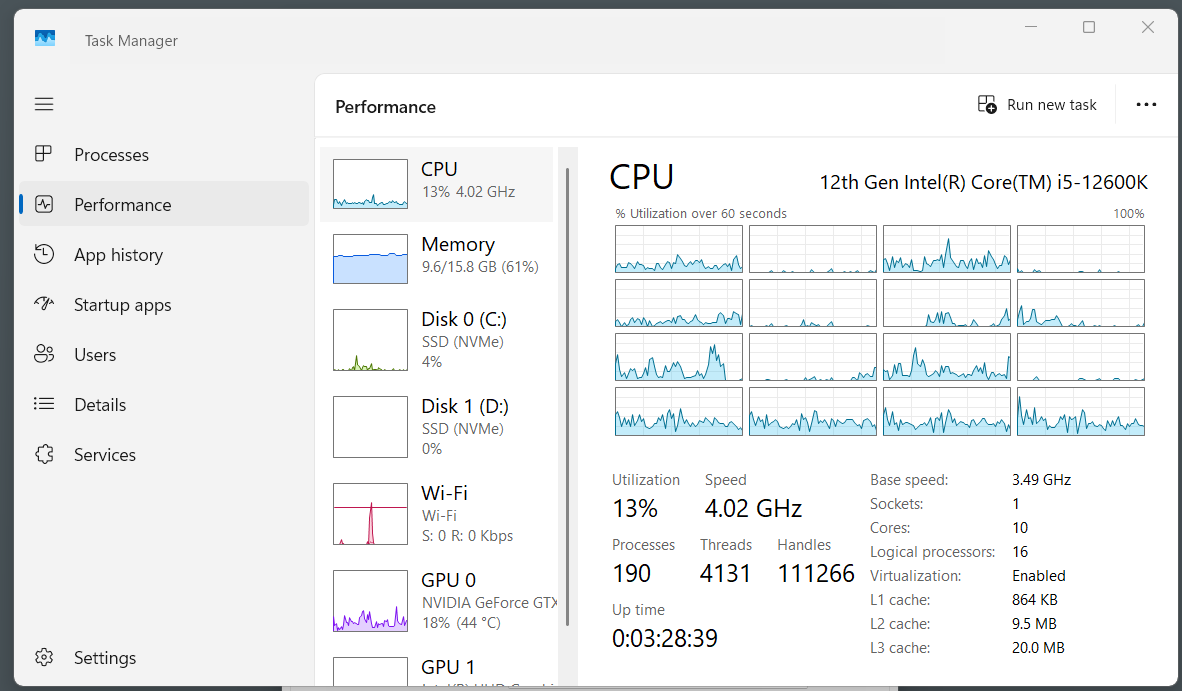
These games depend on a good single-core CPU performance. Most of the visual work (rasterizing, shading, textures) in any game will get done by the GPU only. So, even though your CPU usage will be very low overall, if you toggle the logical processors in the Task Manager, you will see one or hardly two cores maxing out at 100% usage and others will be idling.
3. FPS doesn’t change much with resolution.
Ideally, lowering resolution (say 1440P to 1080P) should boost FPS since the GPU has less visual work to do. But if the CPU is the actual bottleneck, FPS will barely move. Why? Simply because the CPU still has to process the same number of game-logic instructions per frame regardless of resolution.
Resolution is almost entirely the GPU’s problem. The CPU’s per-frame work is mostly game logic, physics, draw call submission, etc. This work barely changes when you drop from 1440p to 1080p. So if the CPU is what’s holding you back, that ceiling stays exactly where it is.
4. Stuttering or frame drops in CPU-heavy areas
As discussed earlier, the CPU has to calculate many things before the GPU even starts drawing it. So, the GPU kind of relies on the CPU to even take the first step. The CPU has to decide many things. For example, where every NPC is, what path they’re taking, whether objects are colliding, and what damage just happened.
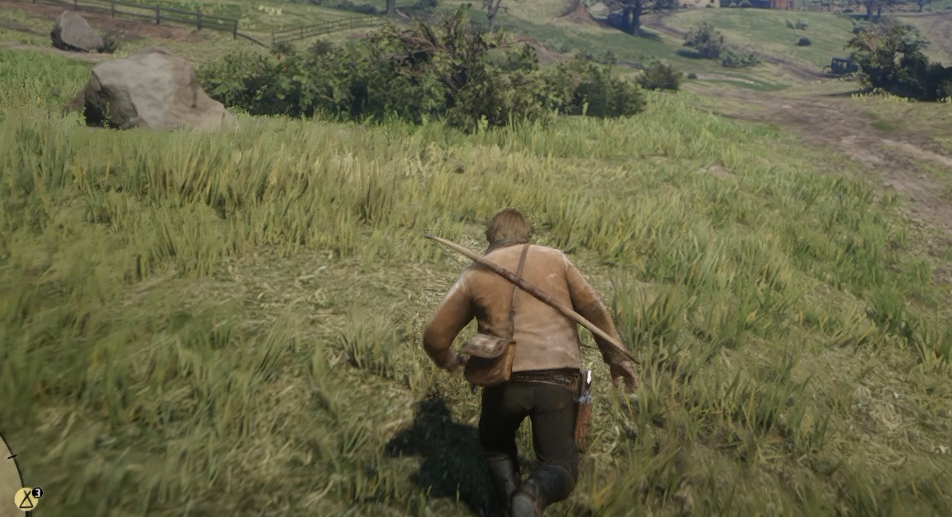
So, if in an area with 2 NPCs, the CPU has almost nothing to calculate. Frame time is easy, FPS is smooth, and the GPU carries the whole load without any issues.
Just walk into the city with 200 NPCs, and the CPU has to run those calculations 200 times. A weak CPU just can’t chew through that fast enough, so frames arrive late. The GPU doesn’t pick up the slack. It just finishes early and waits. So, you may also see a brief drop in frames. But stuttering caused by the CPU is felt differently. It is a sudden, uneven delay between individual frames (bad frame pacing) that causes jerky motion.
5. A GPU upgrade does nothing
We now know that the CPU prepares the work needed for the next frame while the GPU renders the current one. The game can keep both the components busy at the same time, but the overall frame rate is still limited by whichever takes longer to finish the job.
Let’s put it simply.
Suppose your CPU needs 14 ms to prepare each frame while your GPU needs only 8 ms to render it. Buying a faster GPU might reduce GPU time from 8 ms to 5 ms, but the CPU still needs 14 ms.
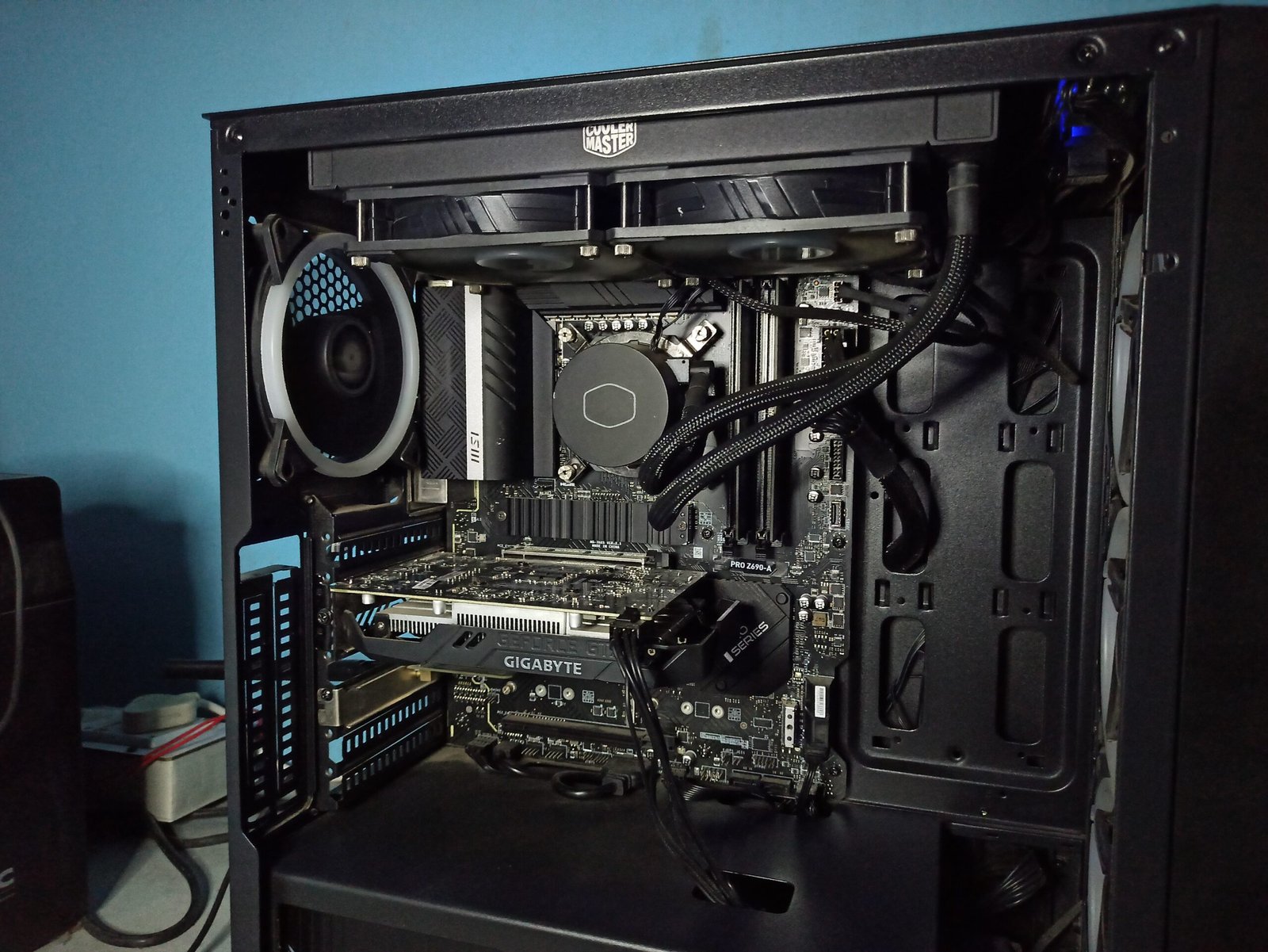
The key takeaway is that a faster GPU cannot fix a CPU that is already taking longer than the GPU to prepare each frame. It will cause a much more severe bottleneck to a much faster GPU.